Monitoring a Home Network 8,000 Miles Away
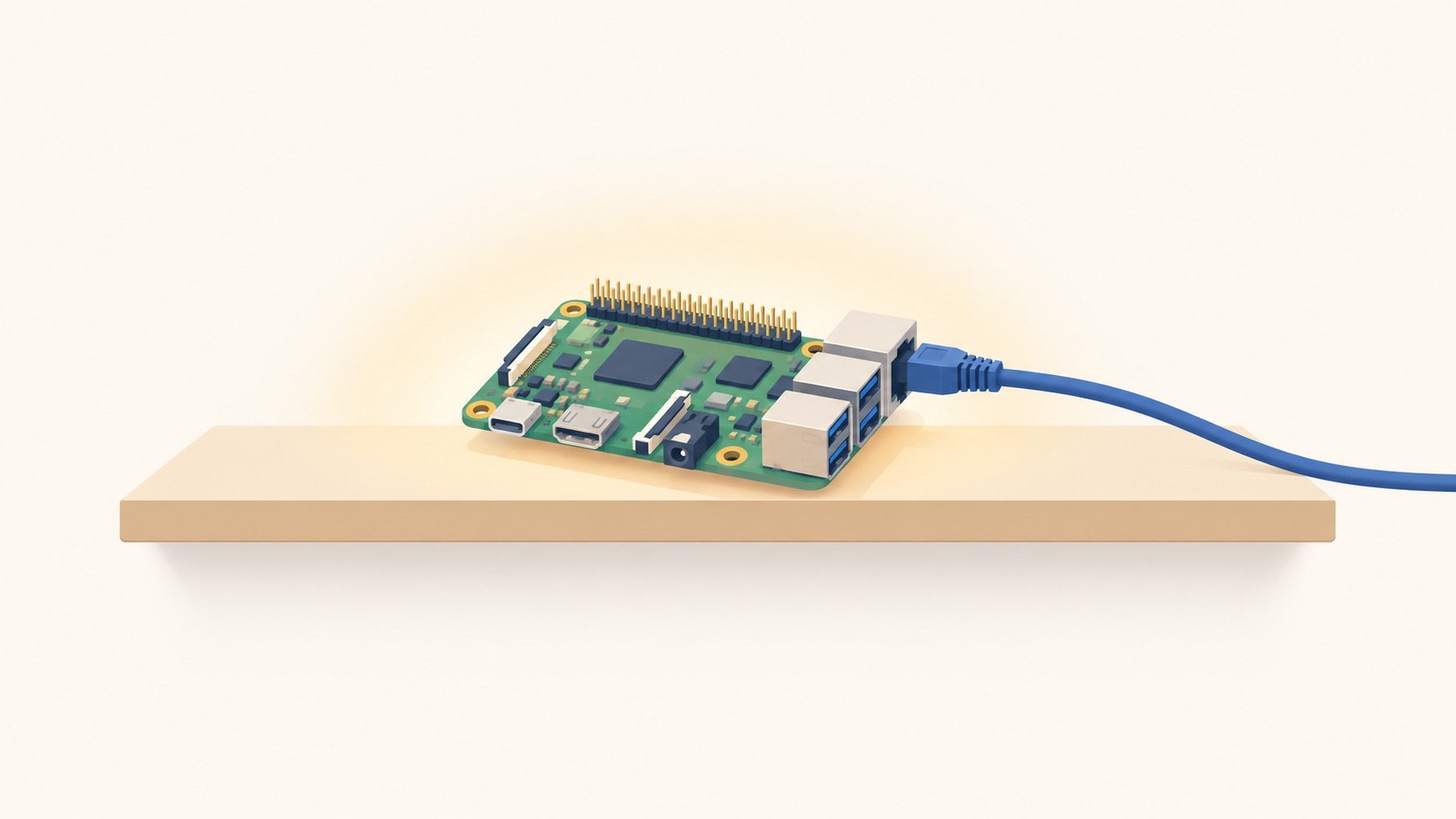
My parents' house is in rural India. I am in Seattle. When their internet misbehaves, the diagnostic loop is a phone call across a twelve and a half hour offset, and the answer is usually "it's slow again." That is not enough to act on, so there is a Raspberry Pi in the house whose only job is to record what the network is actually doing.
This is what runs on it, and what happened on September 18th when the whole thing flapped for two days and my first four explanations were all wrong.
Topology
  Leaf AP 2 ──┐
  Leaf AP 3 ──┤
  Pi ─────────┼── Ethernet switch ──┐
                                    │
                       Gateway AP ──┤ port 1 to switch
                                    │ port 2 to router
                                    │
                       Fibre router (XPON ONT + router, 203.0.113.1)
The fibre terminates in a combined ONT/router unit supplied by a local ISP. Behind it sits a three-node mesh in bridge mode, so the router does DHCP and routing and every mesh node appears as an ordinary client in its lease table. The Pi is wired into the switch.
Two details from that diagram matter later. The Pi's link partner is the switch, not the router. And only one of the three mesh nodes, the gateway, is in the wired path to the internet; the other two are leaf access points that serve wifi clients and nothing else.
What runs on the Pi
Prometheus, Grafana, blackbox_exporter and AdGuard Home, in Docker, all restart: unless-stopped. Prometheus runs on the host network with 30 day retention. Grafana handles alerting directly, since there is no Alertmanager on this box.
blackbox_exporter does ICMP probes against the LAN gateway and two external anchors, plus two DNS probes worth calling out:
dns_resolve_ok:
  prober: dns
  dns:
    query_name: "example.com"

dns_adblock_active:
  prober: dns
  dns:
    query_name: "doubleclick.net"
The second one checks that ad blocking is still working, not merely that the process is up. A filter list can silently fail to load and leave you with a healthy-looking DNS server that blocks nothing.
Everything else is a shell or Python script writing to node_exporter's textfile collector, on cron, as a dedicated low-privilege user: hourly speedtests, ASN lookups against the WAN IP, a route-hash check that notices when the path upstream changes, and a scrape of AdGuard's own stats API.
Nothing here is clever. The design constraint is that every collector has to be cheap enough to run forever on a Pi and simple enough that I can debug it over a laggy SSH session at 11pm.
Access, and the backup path
Access is over Tailscale. The SSH config points at the tailnet IP rather than the LAN address:
Host outpost
    HostName 100.64.0.5
That is deliberate. The LAN address is a DHCP lease on a router with no reservation feature, and a router swap that renumbers the subnet would leave a 10.0.0.x entry pointing at nothing. The tailnet address does not depend on the LAN at all.
The Pi is pinned at 203.0.113.124, above the DHCP pool, which was shrunk to end at .100. Setting that up turned up something worse than the problem it fixed. eth0 was not in netplan at all. It was held by a snap NetworkManager that cannot persist connections: its config sets plugins=keyfile with no [keyfile] path=, so it defaults to /etc/NetworkManager/system-connections, which does not exist on that box and which a strictly confined snap cannot create. Every write fails.
The evidence was in /run/NetworkManager/system-connections/. Every profile there was timestamped with the last boot and regenerated from scratch each time. eth0 worked only because NetworkManager auto-generates a throwaway DHCP profile for an unconfigured wired device. The house has hard power cuts, so anything stored there was already gone at the next one. eth0 now lives in netplan rendered by systemd-networkd, which writes to disk.
There is also a wifi backup path, on the theory that if the wired link dies I still want a way in. It was dead when I went looking: the radio was rfkill soft-blocked, and the configured SSID was the previous router's network, which had stopped existing during a hardware swap weeks earlier. Both failures were silent.
The dead-man's switch
Grafana, Prometheus and every alert rule run on the Pi. If the Pi dies, the thing that would tell you it died dies with it.
The fix is a Healthchecks.io check the Pi pings on a schedule. Silence is the alert. There was already one wired into the daily digest email, pinged only after a confirmed successful send so it cannot false-pass on a crashed process, and it had earned its keep once already by catching a digest failure caused by a DNS resolver problem.
But it fires once a day. A Pi that dies at 08:00 goes unnoticed for roughly 23 hours. So there is now a second check on a five minute period with a fifteen minute grace, and the script behind it does one thing that matters:
answer=$(dig +short +time=3 +tries=1 @127.0.0.1 example.com | grep -E '^[0-9]+\.')
[ -n "$answer" ] || fail "AdGuard did not resolve example.com on 127.0.0.1"
It pings only after confirming AdGuard actually answered, querying loopback directly rather than the system resolver. The system resolver falls back to the gateway, so a naive "cron fired, send ping" heartbeat would keep reporting healthy with AdGuard completely dead. One signal covers both "Pi is gone" and "DNS is broken."
I tested it in both directions before trusting it, which is the part people skip. Stopping the AdGuard container produced exit=1, heartbeat_ok 0, and no ping. Starting it recovered. A dead-man's switch that has only ever been observed passing is not a dead-man's switch.
AdGuard was serving nobody
While looking at something unrelated, the query log produced this over a full 24 hour window:
total queries in window : 6803
127.0.0.1               : 6802
203.0.113.124           :    1
Every query was the Pi talking to itself, and the single remaining one was my own dig from a health check minutes earlier. Breaking down the loopback traffic by domain, 83% of it was the two blackbox DNS probes firing every 15 seconds.
No device in the house had used AdGuard for a day. The replacement router hands out the ISP's resolvers in DHCP and does not forward to it.
dns_adblock_active had been passing this entire time, and it was not wrong. It asks AdGuard directly on loopback, gets 0.0.0.0 for doubleclick.net, and reports healthy. The process was up, the filter lists were live, resolution worked. It measures whether AdGuard works. It never measured whether anything uses AdGuard, and those had quietly stopped being the same question.
It also means the headline block rate was an artifact. 2805 of 6803 queries blocked reads as 41% of household traffic filtered. It was mostly our own probe hitting a blocklist every 15 seconds.
The fix is a metric derived from AdGuard's top_clients, counting queries from clients that are not this Pi:
adguard_external_queries 0
adguard_external_clients 0
203.0.113.124 counts as self, deliberately. It is the Pi's own LAN address, so a health check doing dig @203.0.113.124 would otherwise register as a genuine client and mask the exact condition the metric exists to detect.
Incident: two days of five-minute outages
On September 18th at 15:49 local, the Pi started losing the network in blocks. Not the internet only: the LAN gateway too. It recovered on its own each time. From outside, SSH over Tailscale failed for minutes at a stretch and the five minute heartbeat went DOWN.
Daily availability against the LAN gateway, from the Pi's own recording:
09-16  100.00% up   0 hours with loss
09-17  100.00% up   0 hours with loss
09-18   93.54%      first loss 15:49, worst hour 35% up
Measured down-periods, at 30 second resolution:
5.0 13.5 5.5 5.0 15.5 5.0 5.0 10.5 5.0 5.0 5.0 minutesSeven of eleven are exactly 5.0 minutes and the long ones are near-multiples. Nothing organic produces 300.0 seconds repeatedly, so this was a timer. The starts were not aligned to wall-clock five minute boundaries, which ruled out a cron job, including my own.
Wrong theory 1: DNS
The router's DHCP-advertised DNS had been pointed at the Pi about 45 minutes before onset. That router also ships with a TR-069 client aimed at devacs.edatahome.com, a domain that resolves nowhere, over plain HTTP with the vendor's default credentials still in place, plus a DDNS entry pointing at a host that also resolves nowhere. My theory was that its own lookups now went somewhere slower and something blocked on the retries.
Testing it took one command against both resolvers:
| Domain | Via AdGuard | Via ISP resolver |
|---|---|---|
devacs.edatahome.com | NXDOMAIN, 35ms, then cached 0ms | NXDOMAIN, 9ms |
ns.eagleeyes.com.cn | NOERROR, 854ms, then cached 0ms | NOERROR, 482ms |
Same response codes, comparable timing, both cached instantly. Nothing there could wedge a device. The theory was also dead for a second reason: the router's TR-069 page showed Periodic Notification: Disable, so the client was not calling home on a schedule at all, and the DDNS configured-entries table was empty. The form above it was a blank add-form showing defaults, which is why the UI reads as enabled when nothing is configured.
Wrong theory 2: the router is rebooting
A five minute unreachable window is a good match for an ONT reboot cycle: boot, PON ranging, WAN authentication. The router's own status page disagreed.
Up Time: 3 Day 12 hour 45 minute 22 secondContinuous since installation, straight through all eleven outages.
Wrong theory 3: the optical plant
This site has a history of failing customer equipment, so the optics were the obvious next suspect. There was a baseline from install day three days earlier:
| 09-15 | 09-18 | |
|---|---|---|
| Rx Power | -17.5 dBm | -18.2 dBm |
| Tx Power | 2.4 dBm | 2.5 dBm |
| Bias Current | 13.6 mA | 14.65 mA |
| Temperature | 59 °C |
Rising bias current with flat Tx power is the classic aging-laser signature. It is also exactly what temperature does, and 59 °C is hot. Rx still sat about 9 dB above the -27 dBm sensitivity floor. Worth tracking, not the cause of 300 second outages.
Wrong theory 4: the router is failing
By this point I had written off DNS, reboots and optics, and was ready to tell my father to demand a replacement unit four days after installation. The wire-level data seemed to support it. Across 55 failure samples:
carrier=0    0 samples      the link never dropped
arp=REACHABLE   29          router answering ARP
arp=INCOMPLETE  15   }
arp=FAILED       2   }      router not answering ARP
TX errors        0
A device answering ARP while refusing to forward or respond to ICMP, without rebooting, reads as a control plane wedge. Then the next morning the router's uptime read 15 minutes when it had read 3 days 12 hours the evening before, which looked like escalation from wedging to crashing.
I asserted that nobody had touched it. That was not established, and I should not have written it down as fact. 09:16 my time is 21:46 at the house, which is prime evening usage, and somebody restarting a flaky box at 9:30pm is a more ordinary explanation than a spontaneous crash.
Root cause
The mains. The house voltage had been running low, the UPS is a standby unit rather than an online one so it transfers with a gap of roughly 10 to 20 milliseconds, and it was Ganpati: festival lighting had been added to the same board as the networking gear.
The difference between the Pi surviving and the router not is the two power supplies, not the sockets. The Pi's PSU holds enough bulk capacitance to ride through the transfer notch. The router's cheap 12V wall wart does not, so it browns out and resets.
In site-local time the outage clusters were 04:19 to 06:27, 09:30 to 09:45, and 21:32 to 21:46, with the entire working day clean in between. Evening is when the festival lighting draws.
Why I read it wrong for a day and a half
carrier=1 never dropped, and I treated that as "the physical layer is fine, therefore power is fine." A brownout does exactly this: the switch chip holding the Ethernet link is a separate, simpler device from the SoC doing the routing, and it keeps the link up while the processor browns out. Link up, ARP answered intermittently, forwarding dead, recovery on a fixed timer, and the Pi sailing through on protected power. Every one of those is consistent with power, and I read them as a failing device.
There was a second error inside the first. I also said carrier proved the router's switch chip was alive, which it did not: the Pi's link partner is the Ethernet switch, not the router. What carrier actually proves is that the switch never lost power in any of the 55 samples, which clears exactly one device and says nothing about anything upstream of it.
The Pi's own supply, for the record, was untouched throughout:
vcgencmd get_throttled = 0x0
under-voltage kernel events, 7 days = 0
uptime through the entire incident = 21h50m
Instrumenting for the next one
Four theories died because the data could not distinguish between devices in a chain. The fix is not a better theory.
Every wired path from the Pi runs through the switch and the gateway AP before reaching the router, so "gateway unreachable" could mean any of three devices. The router broadcasts its own WLAN, unused, kept around for the ISP technician. Associating the Pi's wifi to that gives a path touching neither the switch nor any mesh node:
eth0   Pi -> switch -> gateway AP -> router    0.87 ms
wlan0  Pi ---------------------------> router  4.5 ms   direct RF
Which makes the next event self-diagnosing:
| eth0 to .1 | wlan0 to router | Conclusion |
|---|---|---|
| FAIL | ok | switch or gateway AP, router is fine |
| FAIL | FAIL | the router |
Setting REGDOMAIN=IN was required rather than incidental: that WLAN runs on channels 12 and 52, both unavailable under US regulatory rules, and the Pi had been flapping between US and IN.
The mesh nodes are also probed now, keyed by MAC rather than IP. That is not fussiness. Within a single day, 203.0.113.3 went from being the Pi's own wifi interface to being the gateway AP, while the Pi's wifi moved to .7. With no DHCP reservations on this router, anything pinned to an address eventually measures the wrong device. The current IP is carried as a label so drift shows up instead of silently corrupting the data:
outpost_ap_up{eero="gateway",mac="00:00:5e:00:53:ed"} 1
outpost_ap_up{eero="leaf-1",mac="00:00:5e:00:53:0d"}  1
outpost_ap_up{eero="leaf-2",mac="00:00:5e:00:53:6d"}  1
A layer 2 watcher samples every 20 seconds and logs only on failure, so any line in it is a finding rather than noise:
21:08:16 ping=FAIL arp=REACHABLE carrier=1 oper=up defroute=1 wlan0gw=ok eeros:...Open items
The mains fix is a mini DC UPS for the router and the gateway AP, the two devices in the wired path. They are sold locally for this exact purpose at ₹1,500 to ₹2,500 and run the device off a battery rail continuously, so transfer time becomes zero rather than merely shorter. The two leaf APs can stay on plain mains; losing them costs wifi in two bedrooms.
Measuring the mains itself is harder than it looks. lsusb shows no data port on the UPS, so NUT is out. A metered smart plug samples about once a second, which will show sustained low voltage but cannot see a 10 to 20 millisecond transfer notch, so it would miss the thing that actually takes the router down. The better detector is scraping the router's Up Time field, where a reset value is the event.
The daily digest ran on the morning after all this and reported triggers=0. A day that lost 42 minutes came back as nothing to report, which is the same shape of failure as the AdGuard blind spot: the job ran, looked healthy, and did not measure the thing that mattered.